Ask About the Diagnosis
Understand what was inspected, which symptoms were verified and why the recommended work may be necessary.
A little preparation helps you ask better questions, understand service recommendations and make informed decisions before hiring a repair professional.
Explore Our Consumer GuidesUnderstand what was inspected, which symptoms were verified and why the recommended work may be necessary.
Ask which components need replacement, why they are required and what quality or warranty information is available.
Review inspection charges, labor fees, replacement parts and additional costs before accepting the final estimate.
Confirm the service scope, expected charges, warranty conditions and payment details before giving approval.
Independent educational guidance to help you evaluate service recommendations confidently.
Learn what to ask, compare and confirm before choosing a local service professional for your appliances or electronic devices.
FEATURED GUIDE
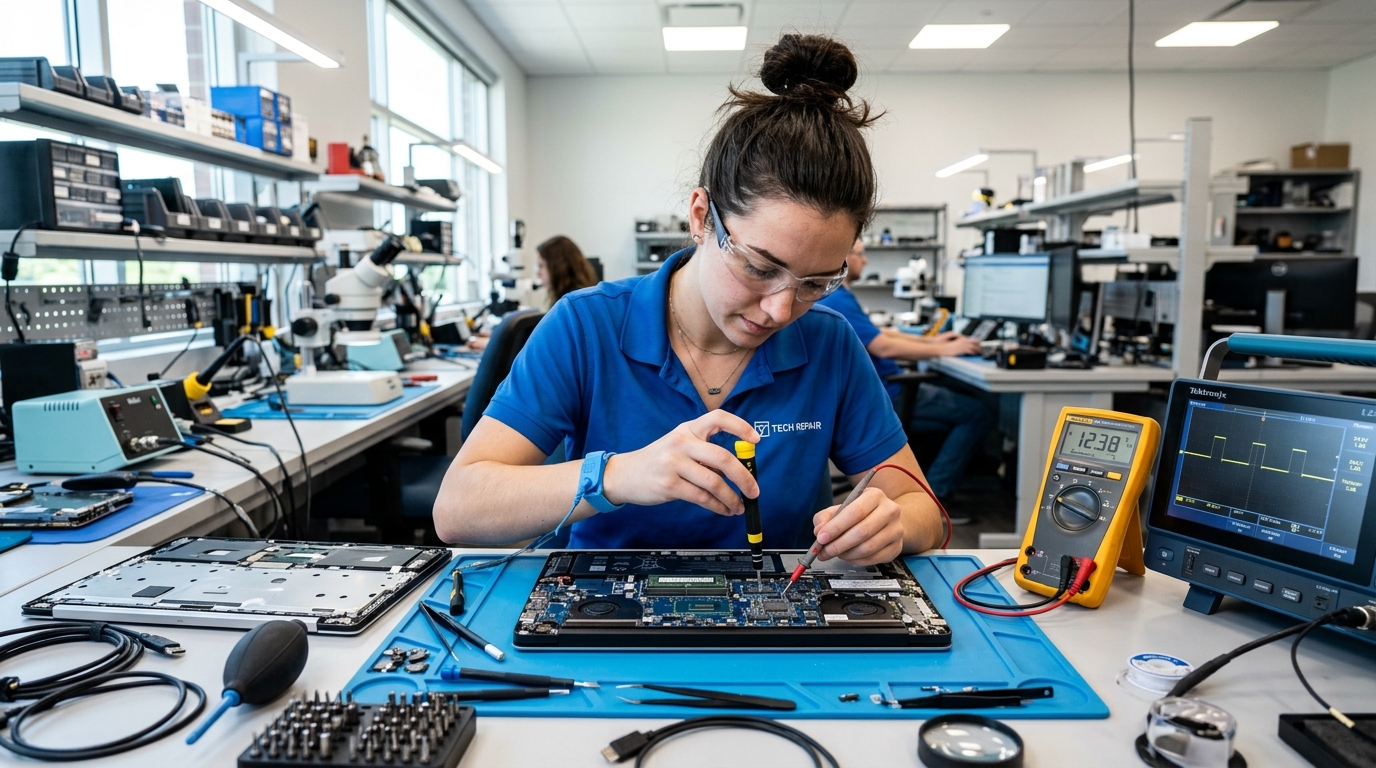
Understand technician credentials, device intake, data privacy, diagnosis details and replacement recommendations before handing over your computer.
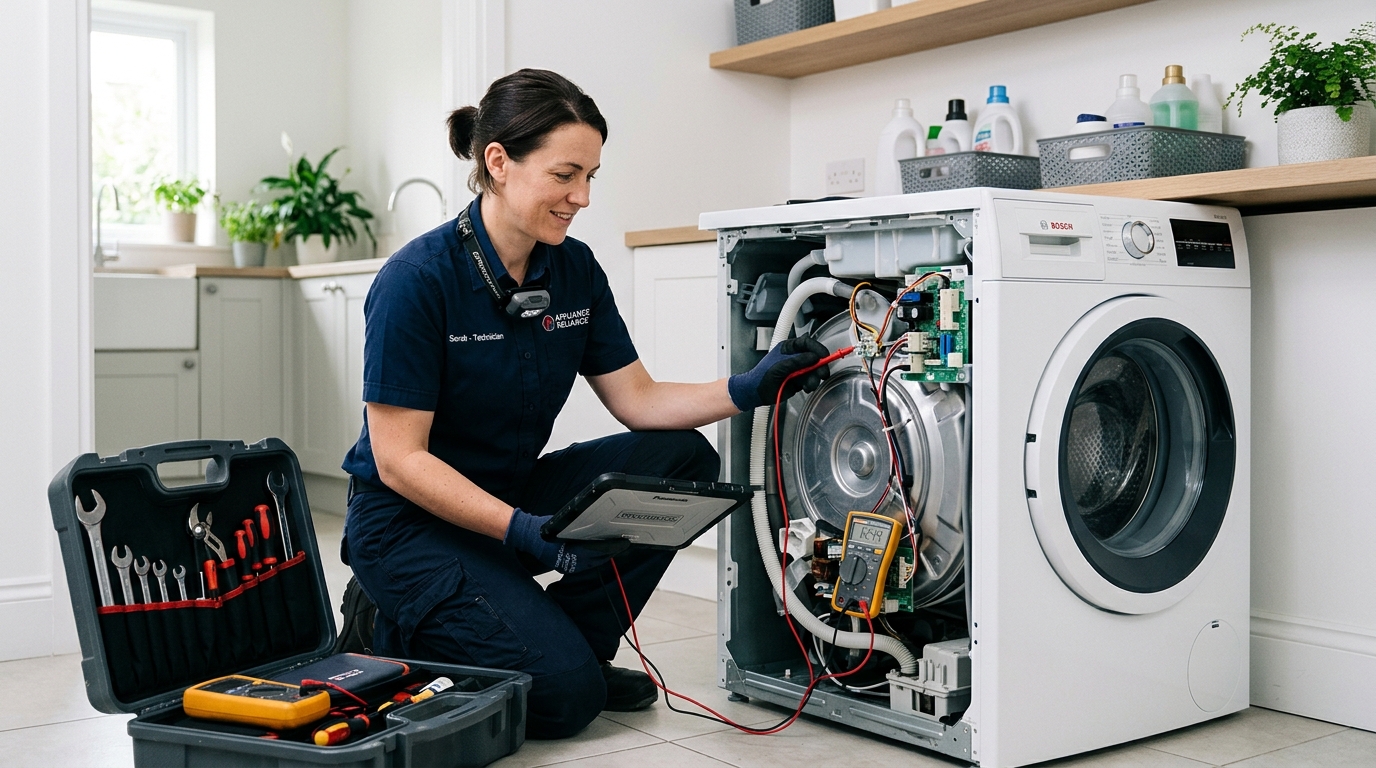
Know which questions to ask about inspection, motor, pump and replacement recommendations.
Read Consumer Guide
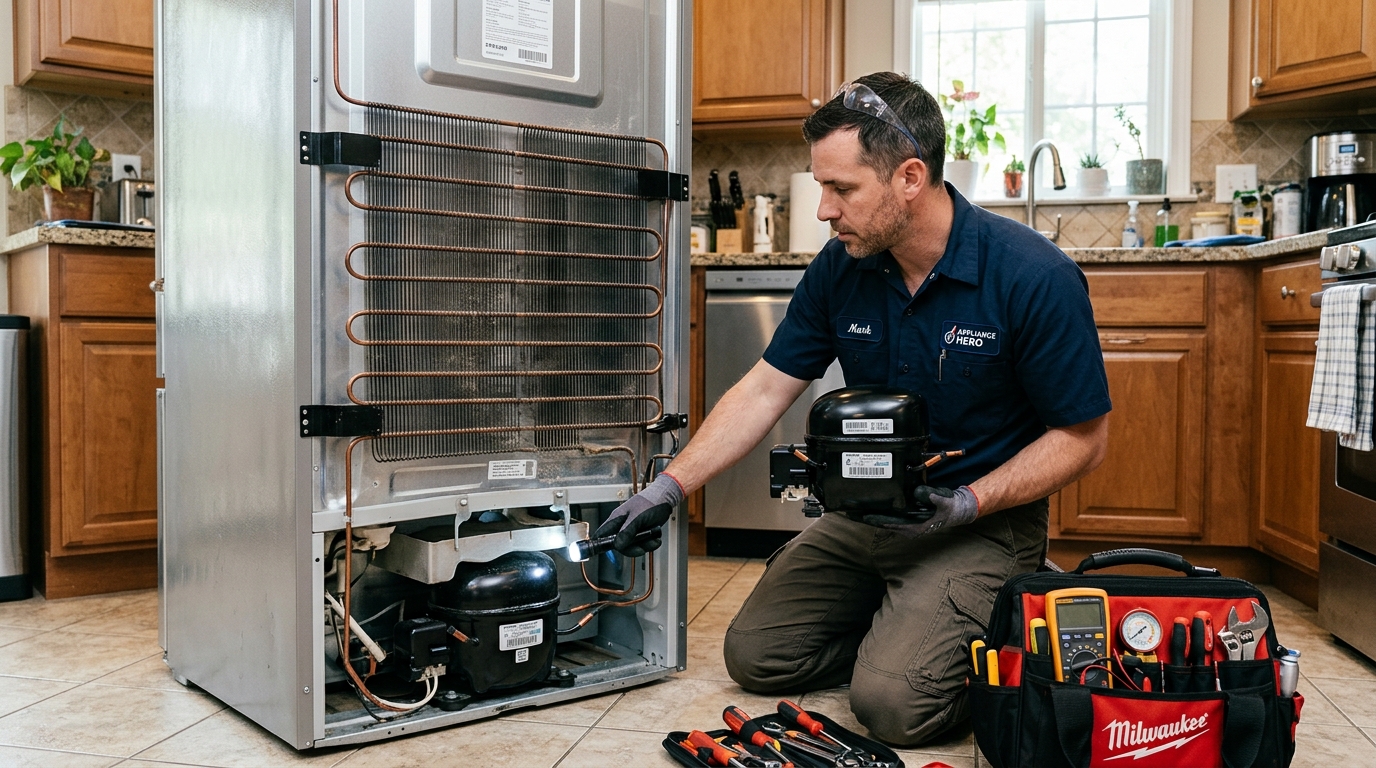
Learn about cooling inspections, compressor recommendations, parts and estimated charges.
Read Consumer Guide
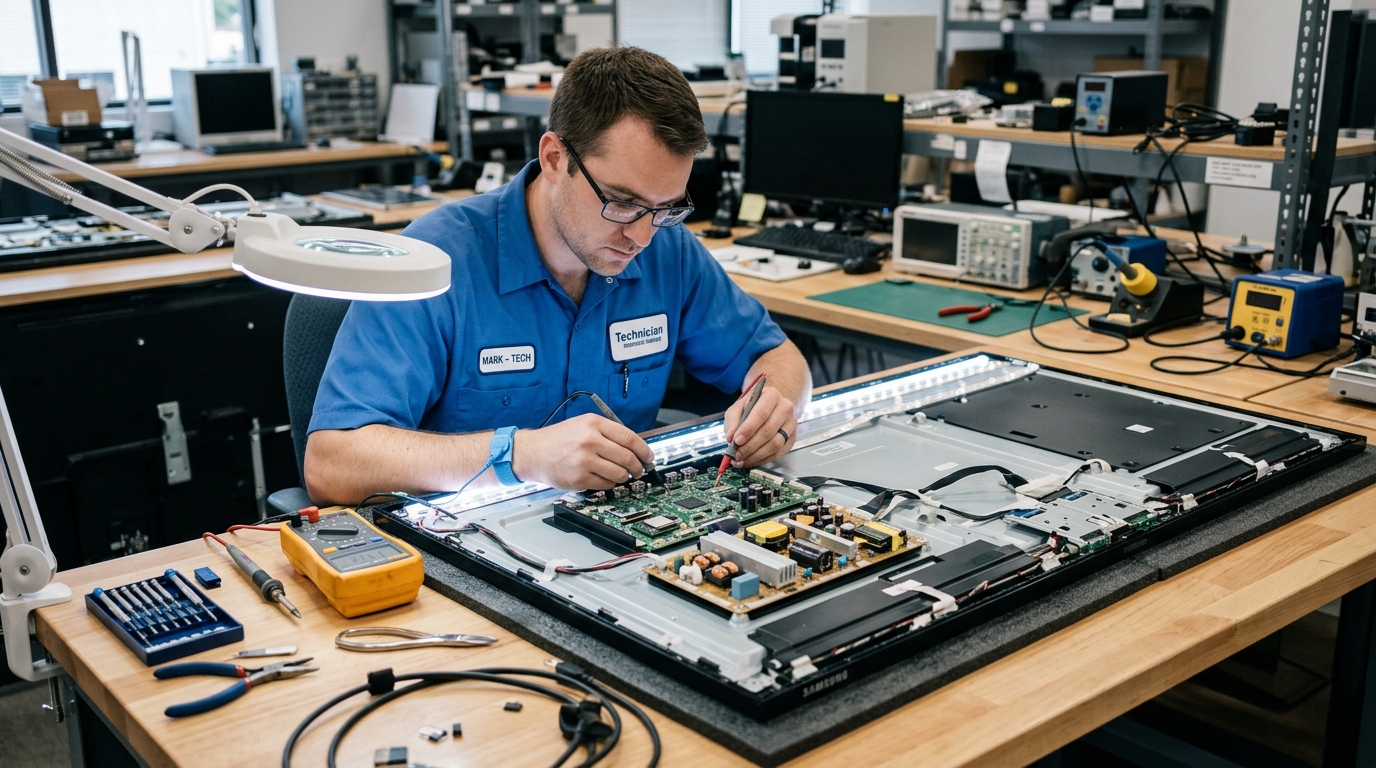
Understand panel inspections, backlight concerns and component replacement claims.
Read Consumer Guide
Review device access, account ownership, privacy and proper service handover.
Read Consumer Guide
Compare specialist experience, inspection procedures, replacement parts and testing.
Read Consumer GuideStart with our four-step checklist for informed service decisions.
A major repair isn't always the best option. Compare cost, product age, overall condition and expected future use before making your decision.
A repair may be worth considering when the overall cost is reasonable and the device is otherwise in good condition.
Replacement may deserve a closer look when repair costs are substantial or the product has multiple ongoing concerns.
If it is, compare your options carefully. This is a guideline for discussion, not a fixed rule. Product age, condition and future value matter too.
Consider more than today's expense before approving a significant repair.
Compare the device's age with its condition, usage history and possible remaining lifespan.
Review written warranties for the proposed repair and compare them with replacement coverage.
Think about reliability, potential additional expenses and how long you expect to use it.
Explore our independent consumer checklists before choosing a local service provider.
Review the completed work, test the device, confirm replacement details and keep a written record before making the final payment.
Take a few minutes to confirm that the agreed work is complete and properly documented.
If the final amount is higher than expected, ask for an explanation and an updated itemized quote before accepting extra work.
Compare like-for-like services and parts.Ask to see removed parts where practical and confirm the replacement details, compatible part information and warranty.
Keep part details on your invoice.Ask for a normal demonstration of the repaired function while the service professional is still present, whenever practical.
Check the original reported issue.Use these practical examples when reviewing the completed service.
Check filling, draining and spinning for unusual noise or leakage.
Confirm normal startup and ask when cooling performance can be assessed.
Start the computer and check the specific hardware or function serviced.
Review the picture, sound and the particular input or display function.
Understand service charges, replacement parts, warranties and provider selection before hiring a local repair professional.